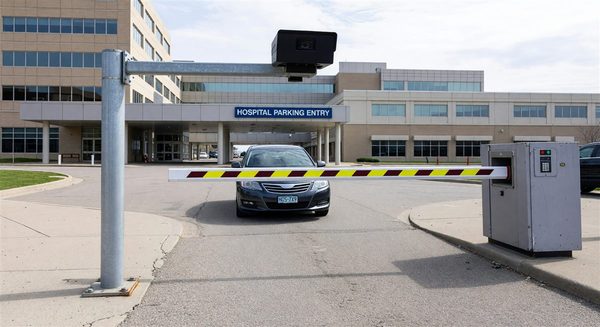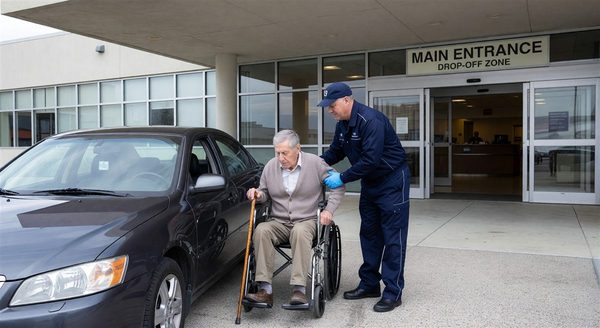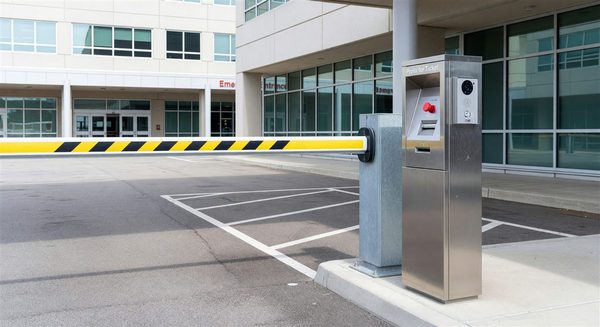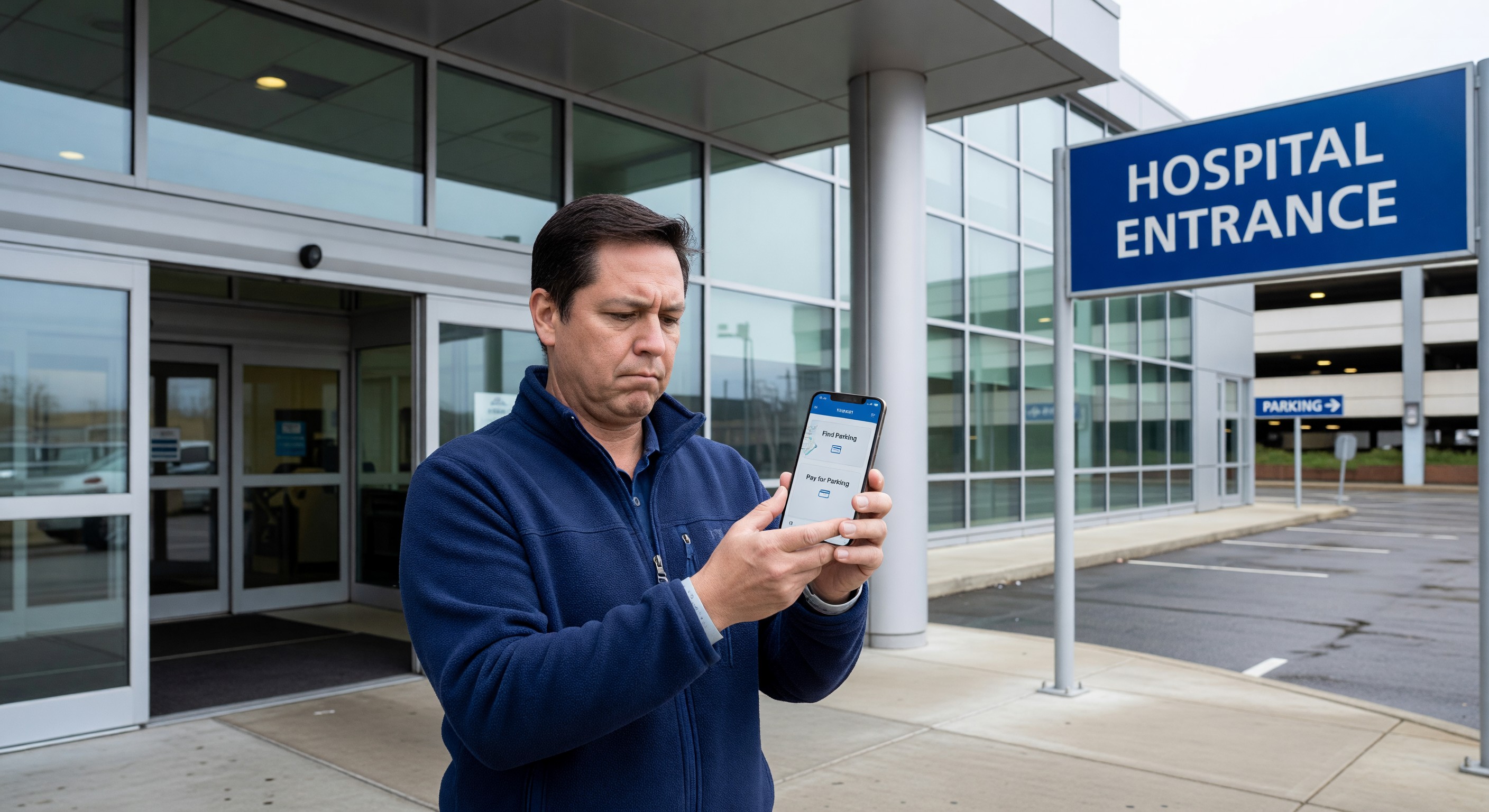
Patients who arrive at a hospital already anxious about their care encounter parking before they encounter anything clinical. The interaction with a pay station, the search for a space, the uncertainty about validation — these are friction points that set an emotional tone. Mobile app integration for hospital parking can eliminate or dramatically reduce this friction, delivering a measurable improvement in patient experience metrics while also generating operational efficiencies.
The patient who books a parking space before leaving home, receives turn-by-turn navigation to an available spot, validates parking via a QR code in the patient portal, and exits without stopping at a pay station has had a frictionless experience. That patient’s overall satisfaction with the hospital visit is measurably higher than the patient who circled for 15 minutes, was confused about validation, and fumbled with a ticket at a pay station exit lane.
Hospital Campus App Architecture
Most hospital mobile parking integration occurs within a broader campus navigation or patient experience app. A standalone parking app has limited adoption; parking features embedded in the hospital’s patient-facing app have significantly higher engagement because patients are already using the app for appointment management, test results, and wayfinding.
Core parking features appropriate for hospital patient apps:
Real-time parking availability — Current space availability by structure and zone, updated from the parking guidance system. Patients who know before leaving home that the main garage is full can plan for the overflow lot.
Parking reservations — The ability to reserve a space in advance, tied to the appointment date and time. Pre-reservation reduces anxiety for patients who are concerned about finding parking and drives demand toward structures with the most available supply.
Turn-by-turn navigation to parking — Rather than navigating to the hospital address, patients navigate to the specific parking structure or zone recommended for their appointment destination. Integrates with Apple Maps or Google Maps for the driving portion, then transitions to in-app campus navigation.
Mobile parking payment — Tap-to-pay from within the app, eliminating the need to interact with a pay station. Payment linked to the patient’s payment method on file in the health system’s patient portal reduces the data entry burden.
Parking validation integration — The appointment itself, or validation offered by the clinical department, automatically applies to the parking transaction via the app. No physical ticket, no visiting a validation kiosk.
“Find my car” — Vehicle location recorded at parking time, retrievable at the end of the visit for patients who cannot remember where they parked.
Staff Mobile Parking Features
For staff users, mobile app features should address the most common parking administrative friction points:
Permit management portal — Staff access their permit record, update vehicle registrations, add temporary vehicles, and view their waitlist position for higher-demand zones.
Shift-change notifications — Alerts when a permit zone is nearing capacity during an approaching shift change, allowing staff to choose an alternate route.
Contactless staff entry — Mobile credential that opens the employee entry gate without physical card presentation.
Permit purchase and renewal — Staff can purchase or renew permits and pay fees within the app, eliminating the need to visit a permits office or mail a check.
Technical Integration Requirements
Delivering a seamless mobile parking experience requires backend integration between several systems:
Parking guidance system API — The mobile app queries the guidance system’s API for real-time space availability data. This API must return current availability within seconds of the actual condition change, and must be reliable enough for patient-facing use.
PARCS integration — The mobile payment and validation workflow connects to the PARCS software to create and close parking transactions. Payment processed in the app is recorded in the PARCS and reflected in revenue reports.
Patient scheduling system — Parking reservation and validation tie-in requires an API connection to the patient scheduling or registration system. When a patient registers for an appointment, the registration system communicates with the parking system to apply any validation entitlement.
Hospital patient portal — The parking features may be embedded within the hospital’s existing patient portal framework rather than a separate app, reducing the app download friction for patients.
Implementation Complexity and Staging
Mobile parking integration is not a single-vendor turnkey solution. It requires coordination between the parking management system vendor, the parking guidance system vendor, the mobile app developer (or patient experience platform), and the patient scheduling system.
A practical staging approach:
Stage 1 — Parking availability feed on hospital website and in appointment reminder emails. No app download required. Immediate patient value with minimal integration complexity.
Stage 2 — Mobile payment capability through a third-party parking payment provider (ParkMobile, SpotHero Health, PayByPhone). The parking payment provider handles the app and payment infrastructure; you handle the PARCS integration. Faster to deploy than a fully custom solution.
Stage 3 — Integration of parking features into the hospital’s primary patient app, with full validation, reservation, and navigation capability.
Patient Experience ROI
Measuring the ROI of parking app integration:
Patient satisfaction scores — Track Press Ganey or HCAHPS parking satisfaction question scores before and after implementation. Institutions that have implemented mobile parking report 5–15 percentage point improvements in parking satisfaction scores.
No-show rate — Patients who experience parking difficulty have higher no-show rates for subsequent appointments. Measuring no-show rate changes correlated with parking experience improvements is complex but potentially significant.
Staff time — Permit office staff and parking customer service staff time spent on routine administrative tasks (vehicle updates, permit renewals, payment processing) can be reduced by 30–50% through self-service mobile features.
Revenue per transaction — Mobile payment typically has lower transaction costs than staffed cash handling and is less susceptible to cash theft and reconciliation errors.
Frequently Asked Questions
Should we build a standalone parking app or integrate into our existing patient app? Integration into the existing patient app is strongly preferred. Standalone parking apps have low organic download rates — patients will not download an app just to pay for parking. Apps that are already on patients’ phones because they are useful for other healthcare functions (appointment management, test results) have the installed base needed for parking feature adoption.
How do we handle patients without smartphones? Mobile integration should supplement, not replace, physical payment and validation options. Pay stations with contactless payment and touchscreen interfaces remain essential. Validation kiosks for patients who prefer physical validation must be maintained. The app is an option for patients who choose it, not a mandatory path.
What privacy considerations apply to mobile parking data? The combination of patient identity (from the patient app authentication) and parking location/time data creates a data set that warrants careful governance. Review with your privacy officer whether this data constitutes PHI (it likely does in the combined form), what retention policies apply, and what disclosure requirements exist. HIPAA-compliant data handling practices should apply to patient-identified parking transaction data.
How do we integrate parking validation with third-party scheduling platforms? If your patient scheduling runs on a third-party platform (Epic MyChart, Cerner, Athenahealth), the parking validation integration must work through that platform’s API or app extension framework. Most major EHR patient portal platforms offer app extension APIs that allow third-party features (including parking) to be embedded. Work with your EHR vendor to understand the available integration path.