Mobile credential technology—using a smartphone as a secure access credential instead of a physical badge or card—has reached operational maturity in commercial facilities and is now being deployed in healthcare settings with increasing frequency. For healthcare facility security directors, mobile credentials offer genuine advantages in administrative efficiency, credential security, and user experience. They also introduce considerations specific to healthcare environments that require careful planning.
How Mobile Credentials Work
Mobile credentials operate through one of two wireless communication technologies:
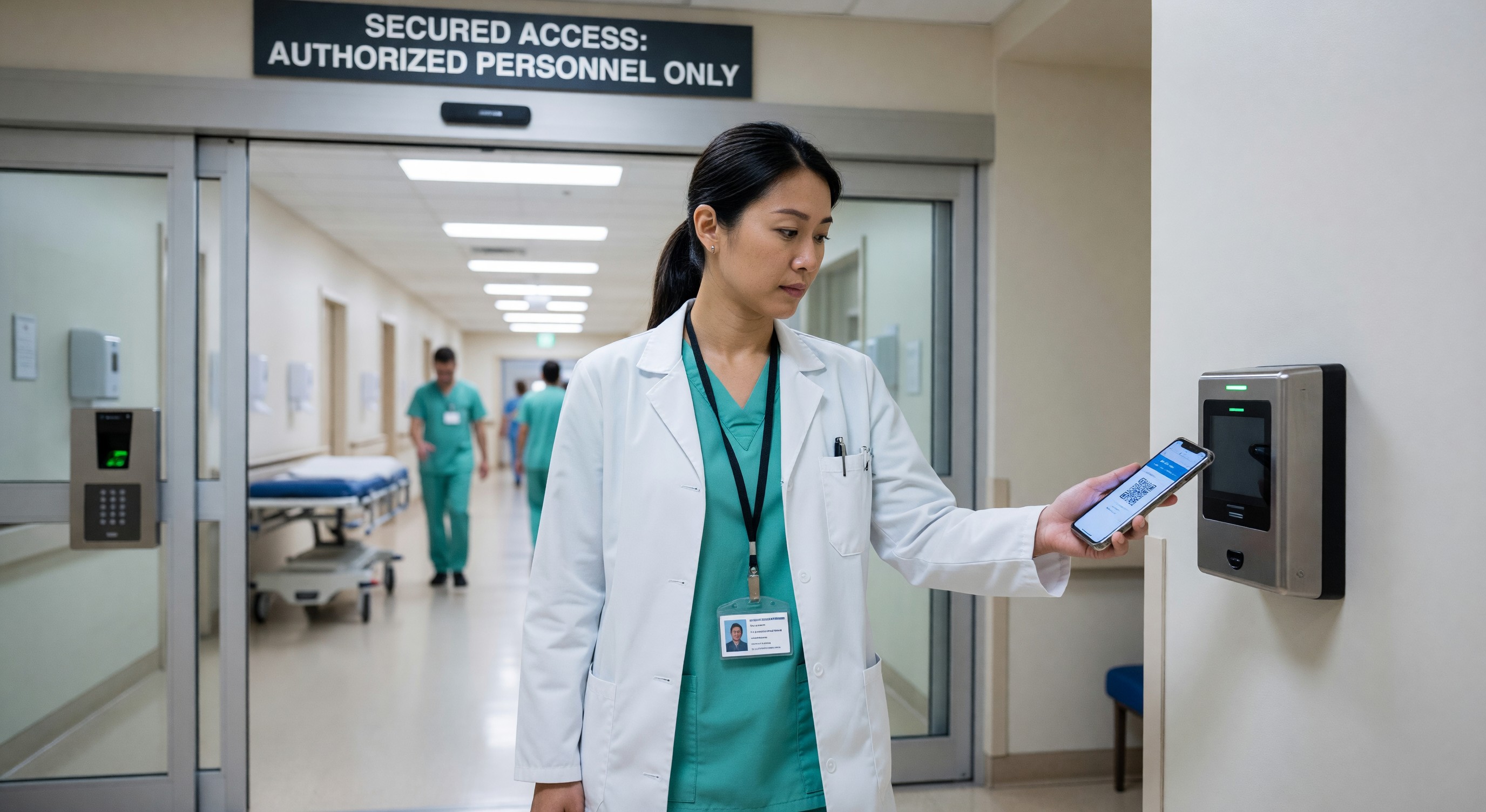
Bluetooth Low Energy (BLE) The smartphone communicates with the door reader via Bluetooth. Tap-to-open requires holding the phone near the reader; “hands-free” or “twist and go” implementations can detect approach and open automatically. BLE range is typically 1–10 meters, configurable by policy.
Near Field Communication (NFC) NFC requires close proximity (within a few centimeters), similar to tapping a contactless payment card. NFC mobile credentials work with the same reader hardware used for NFC physical cards in many implementations.
Most enterprise mobile credential systems use a mobile app that securely stores the credential on the device using the phone’s secure element or trusted execution environment. The credential cannot be copied, cloned, or transferred to another device—a significant security advantage over physical cards, which can be duplicated with commercially available equipment.
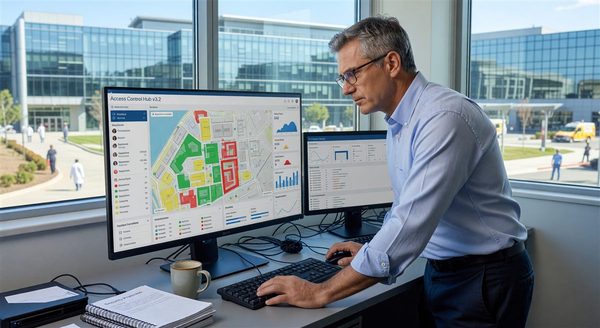
Credential provisioning is managed through a cloud-based administration portal. When a new employee is onboarded, the credential is pushed to their smartphone through the app. When an employee leaves, the credential is revoked instantly through the admin portal without requiring card collection.
Healthcare-Specific Advantages
Infection Control Physical badge readers that require contact or close contact—particularly PIN pads—are touched by hundreds of employees daily and represent a potential surface transmission vector. Hands-free BLE mobile credentials that open doors as an authorized employee approaches eliminate this contact point entirely. Post-COVID healthcare facilities have shown genuine interest in touchless access solutions.
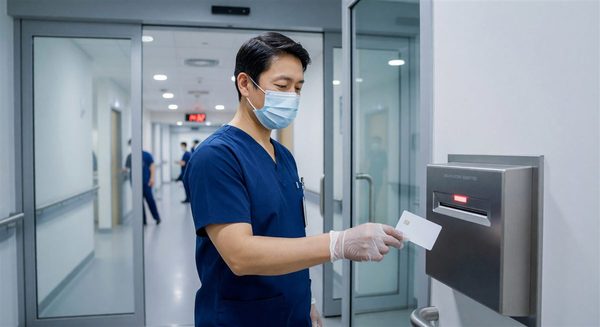
Gloved Hand Operation Clinical staff working in procedure rooms, surgical suites, sterile processing, and other clinical environments regularly wear gloves that make operating touchscreen readers difficult. BLE hands-free operation is particularly valuable in these environments, allowing access without removing gloves.
Instant Remote Termination Healthcare organizations experience significant credential management challenges—travel nurses, contract workers, seasonal staff, students, and volunteers all require temporary access that must be revoked promptly when their engagement ends. Mobile credentials revoked immediately through the cloud platform, with no card collection required, eliminate the administrative gap that creates security risk when former employees retain physical badges.
Simplified Visitor Credentialing Some healthcare facilities are extending mobile credentials to credentialed vendors and contractors who visit regularly—issuing temporary mobile credentials through the facility’s app rather than issuing physical visitor badges. This provides better tracking and automated expiration without manual badge exchange.
Security Considerations
Mobile credentials introduce cybersecurity considerations that physical card systems don’t present.
Device Security Dependency Mobile credentials are only as secure as the device that holds them. Facilities deploying mobile credentials should establish minimum device security requirements—screen lock required, current OS version, no jailbreaking—and verify compliance through mobile device management (MDM) integration before credential issuance.
Lost or Stolen Devices When an employee loses their phone, their mobile credential must be immediately revoked through the admin portal. Healthcare security teams must have a clear process for employee-reported phone loss that triggers credential revocation within minutes, not hours.
Shared Devices Healthcare clinical environments include shared devices—workstations on wheels, shared tablets—that are not appropriate platforms for individual mobile credentials. Mobile credential deployments in healthcare must clearly define which device types are eligible for credential issuance.
Reader Hardware Compatibility Mobile credentials require reader hardware that supports BLE or NFC communication. Most modern readers from major access control vendors support mobile credentials, but legacy readers may require replacement. A reader hardware audit should precede any mobile credential deployment to identify replacement requirements.
Integration with Existing Healthcare Access Control
Mobile credential deployments in healthcare typically run alongside existing physical card systems rather than replacing them entirely. Not every employee has a smartphone, smartphone policies vary by role, and some clinical environments don’t allow personal devices. A hybrid approach—mobile credentials for employees who choose them, physical cards as the default—addresses these constraints.
Technical integration typically requires:
- A mobile credential module or license added to the existing access control platform
- Reader hardware upgrades at doors where mobile access is desired
- Provisioning integration between HR systems and the mobile credential management platform
- Employee self-service enrollment capability
Most major access control platforms (Lenel, Software House, Genetec, Honeywell, Brivo) offer mobile credential capabilities through their own apps or integration with third-party mobile credential providers.
User Adoption in Healthcare Settings
Healthcare workforce adoption of mobile credentials varies significantly by role:
Administrative and Office Staff Adoption rates among administrative employees are typically high—this population regularly uses smartphones for work tasks and is comfortable with app-based tools.
Clinical Staff Adoption among clinical staff is more variable. Nurses and physicians who carry smartphones throughout their shift readily adopt mobile credentials. Staff who leave personal devices in lockers during patient care shifts are unlikely to adopt mobile credentials as a primary access method.
Environmental Services and Clinical Support Staff in roles where smartphones aren’t typically used during work shifts are unlikely to adopt mobile credentials and may prefer physical cards even when mobile credentials are available.
A realistic deployment plan accounts for this variation—mobile credentials may reach 60–70% adoption in a mixed healthcare workforce, with the remaining population continuing to use physical cards.
Implementation Recommendations
For healthcare facilities planning mobile credential deployments:
Phase by Location Type Start with administrative office areas and staff-only facilities where smartphone use is unrestricted before extending to clinical areas where device policies may limit adoption.
Integrate with HR Onboarding Build mobile credential enrollment into the standard new employee onboarding process, allowing new hires to enroll before their first day and arrive with working credentials.
Maintain Physical Card as Fallback Until adoption reaches near-universal levels, maintain physical card infrastructure as a fallback. Don’t remove physical card capabilities from readers before confirming that everyone who needs access has successfully enrolled.
Communicate Privacy Implications Employees may have questions about location tracking and data collection from mobile credential systems. Communicate clearly what data the system collects, how it is used, and whether it tracks location beyond access events. This transparency supports adoption and prevents concerns from undermining the program.
Frequently Asked Questions
Can mobile credentials work when an employee’s phone battery is dead? No—mobile credentials require the phone to be powered and the app to be active. This is a genuine practical limitation in healthcare environments where long shifts can challenge battery life. Employees should be counseled to keep devices charged during shifts, and physical card backup should be maintained for battery-dead situations.
Do mobile credentials create any HIPAA compliance issues? Mobile credential systems that track only access events (door, time, credential) don’t process protected health information and generally don’t trigger HIPAA requirements. However, if mobile credential data is linked to patient care systems or used to verify clinical staff access to patient records, the data handling implications should be reviewed with privacy counsel.
What happens to mobile credentials when an employee gets a new phone? The mobile credential is tied to the specific device and the enrollment process. When an employee gets a new phone, they typically need to re-enroll through the credential management app, which re-issues the credential to the new device. During the transition period, physical card access should remain active. Most systems handle this through a self-service re-enrollment process that takes a few minutes.
Are mobile credentials approved for high-security areas like pharmacy and controlled substance storage? The security level of mobile credentials is comparable to or higher than physical smart cards when properly configured with device security requirements. Many healthcare organizations use mobile credentials for pharmacy access, controlled substance storage, and other sensitive areas. The specific implementation should include multi-factor authentication (mobile credential plus PIN) for the highest-security locations, consistent with the requirements for those areas.